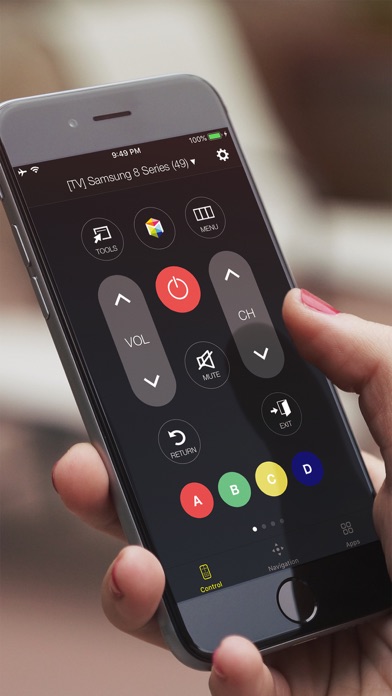
Your iPhone is the only remote you need.
Universal Smart Remote turns your phone into a full-featur
ed TV controller — just connect to the same Wi-Fi and you're good to go. No dongles, no IR blasters, no setup headaches.
Works with Samsung, LG, Sony, TCL, and Roku.
WHAT YOU CAN DO
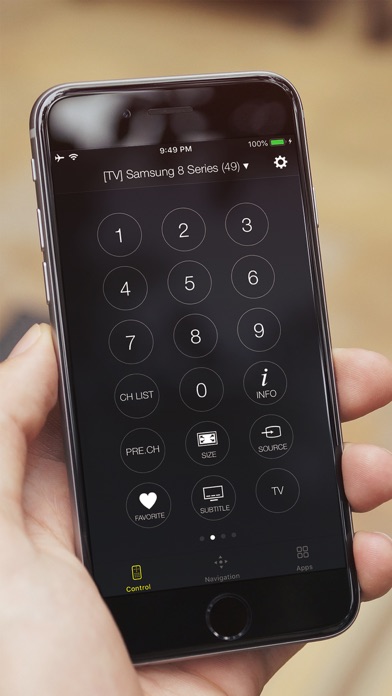
- Use a full d-pad, volume, channel, and playback controls
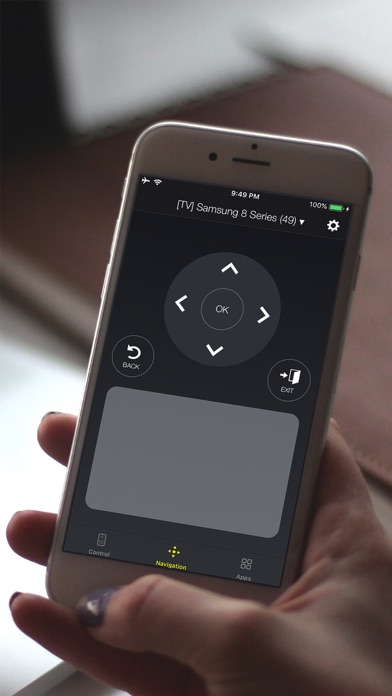
- Navigate with a touchpad — just like a laptop trackpad
- Type with your keyboard instead of clicking one letter at a time
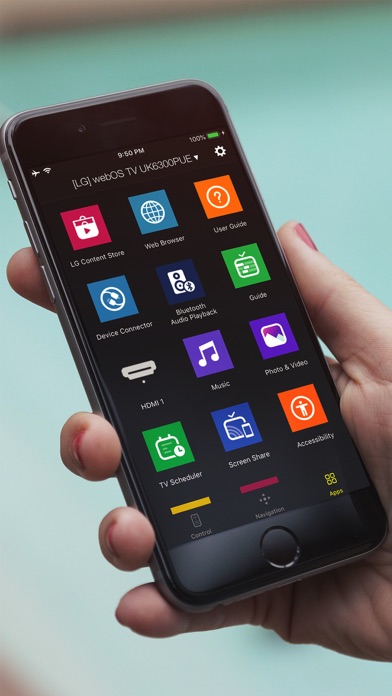
- Launch Netflix, YouTube, and other apps in one tap
- Control your TV hands-free with Siri Shortcuts
- Mirror your screen and share photos, videos, and music
WORKS WITH YOUR TV
Samsung — Every Smart TV from 2010 to 2026. Crystal UHD, QLED, Neo QLED, The Frame — all supported.
LG — All WebOS TVs and Netcast TVs (2012-2013).
Sony — Android TV and Google TV models.
TCL — All Roku-powered TCL TVs.
Roku — All Roku TVs and streaming devices.
HOW IT WORKS
1. Connect your iPhone and TV to the same Wi-Fi
2. Open the app — your TV shows up automatically
3. Tap to connect. Done.
The app remembers your last TV and reconnects automatically next time.
---
Requires iOS 15.0 or later.
Universal Smart Remote is not affiliated with Samsung, LG, Sony, TCL, or Roku. Keyboard input may not work in some streaming apps.
Subscription Information:
Payment will be charged to your Apple Account within 24 hours prior to the end of the free trial period. Subscriptions renew automatically unless turned off at least 24 hours before the current period ends. Manage subscriptions in Account Settings. Any unused portion of a free trial is forfeited upon subscription.
Privacy Policy: https://www.tinacinc.com/SmartRemote/privacy_policy.html
Terms of Use: https://www.tinacinc.com/SmartRemote/terms_of_conditions.html
Screenshots of Universal Smart Remote for TV iOS app
Reviews Universal Smart Remote for TV for iphone
real comment
1
By Kierasterlyn
This don’t work don’t purchase don’t nothing. Need a refund but don’t have a website for refund. Js so yu guys are aware.
Universal remote
5
By DarthVegulas76
Works well
Worst app
1
By Kelleygirl71
Want even open up nor find the tv I’m setting right in front of
doesn’t connect all the time
1
By kkjjsishdxuj
even though it show the control connected to the tv, it doesn’t do anything
Too many adds
1
By areelii316
And it's very slow. When I press a button it either doesn't work or it takes long to respond
Don’t get this
1
By NutriGrain7
I cannot get the app to get to my tv no matter following all instructions, and you have to PAY a monthly fee to have the app, do NOT get this!
Ok
2
By UriLN
The remote is cool but I don’t want the premium package stop offering it everyday
Not too good bad
1
By sxndravx
No
Needs a better lay out
3
By I'm Ed ali
You need to go through multiple tabs to do simple tasks like selecting a menu and then navigating through it.
To raise or lower the volume you have to push the plus and minus buttons multiple times. Makes my thumbs hurt.
I would’ve given five stars if this app was $1.99 how