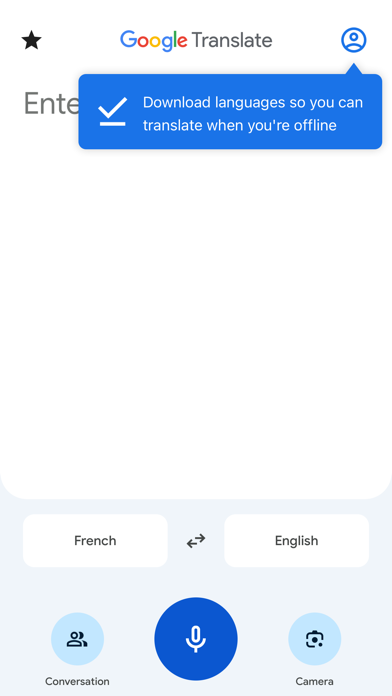
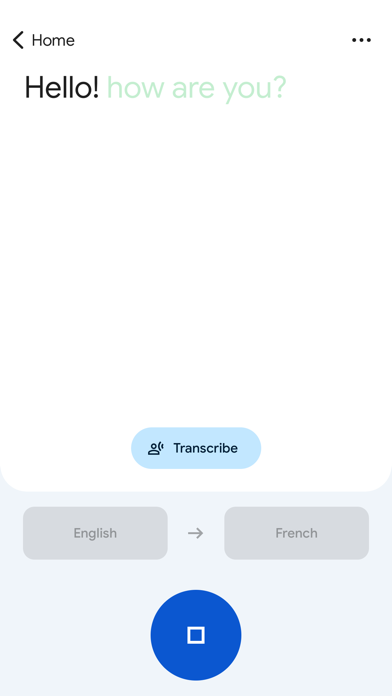
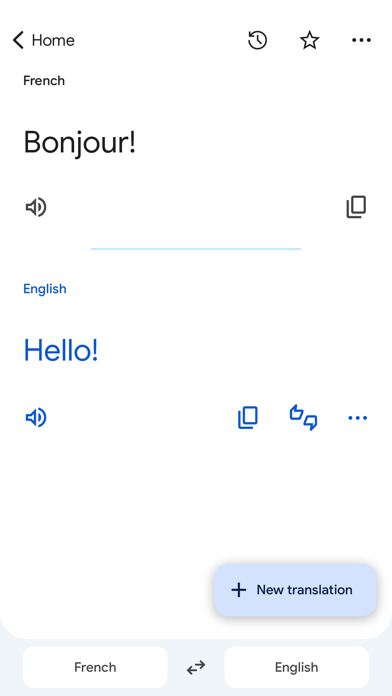
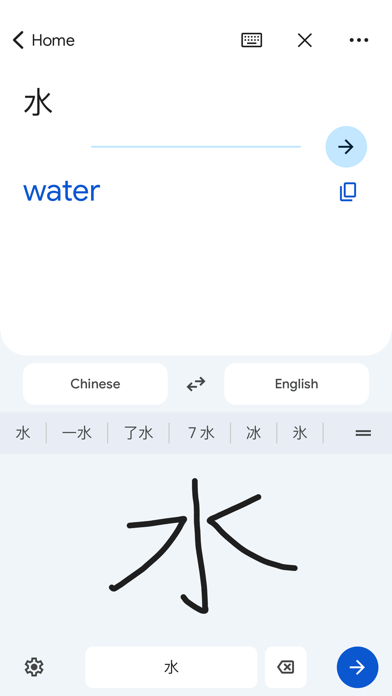
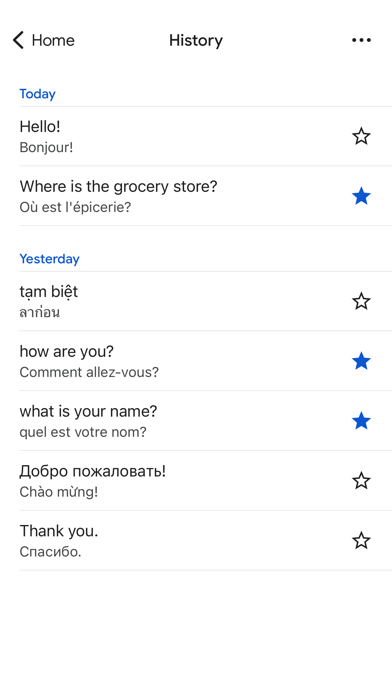
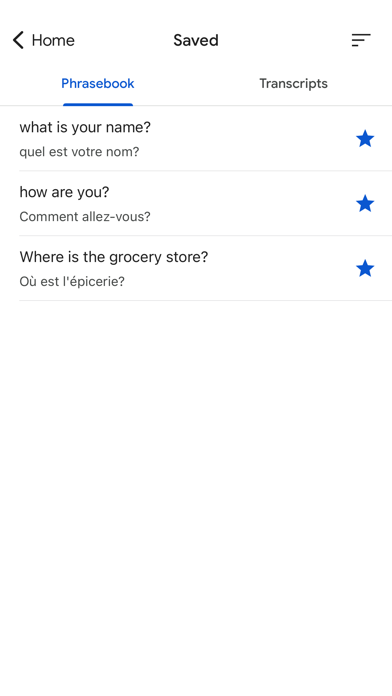
Translate between up to 249 languages. Feature support varies by language:
• Text: Translate betwe
en languages by typing
• Offline: Translate with no internet connection
• Instant camera translation: Translate text in images instantly by just pointing your camera
• Photos: Translate text in taken or imported photos
• Dictation: Translate spoken words and phrases
• Conversations: Translate bilingual conversations on the fly
• Transcribe: Continuously translate someone speaking a different language in near real-time
• Handwriting: Draw text characters instead of typing
• Phrasebook: Star and save translated words and phrases for future reference
Permissions notice:
• Microphone for speech translation
• Camera for translating text via the camera
• Photos for importing photos from your library
Translations between the following languages are supported:
Abkhaz, Acehnese, Acholi, Afar, Afrikaans, Albanian, Alur, Amharic, Arabic, Armenian, Assamese, Avar, Awadhi, Aymara, Azerbaijani, Balinese, Baluchi, Bambara, Baoulé, Bashkir, Basque, Batak Karo, Batak Simalungun, Batak Toba, Belarusian, Bemba, Bengali, Betawi, Bhojpuri, Bikol, Bosnian, Breton, Bulgarian, Buryat, Cantonese, Catalan, Cebuano, Chamorro, Chechen, Chichewa, Chinese (Simplified), Chinese (Traditional), Chuukese, Chuvash, Corsican, Crimean Tatar (Cyrillic), Crimean Tatar (Latin), Croatian, Czech, Danish, Dari, Dhivehi, Dinka, Dogri, Dombe, Dutch, Dyula, Dzongkha, English, Esperanto, Estonian, Ewe, Faroese, Fijian, Filipino, Finnish, Fon, French, French (Canada), Frisian, Friulian, Fulani, Ga, Galician, Georgian, German, Greek, Guarani, Gujarati, Haitian Creole, Hakha Chin, Hausa, Hawaiian, Hebrew, Hiligaynon, Hindi, Hmong, Hungarian, Hunsrik, Iban, Icelandic, Igbo, Ilocano, Indonesian, Inuktut (Latin), Inuktut (Syllabics), Irish, Italian, Jamaican Patois, Japanese, Javanese, Jingpo, Kalaallisut, Kannada, Kanuri, Kapampangan, Kazakh, Khasi, Khmer, Kiga, Kikongo, Kinyarwanda, Kituba, Kokborok, Komi, Konkani, Korean, Krio, Kurdish (Kurmanji), Kurdish (Sorani), Kyrgyz, Lao, Latgalian, Latin, Latvian, Ligurian, Limburgish, Lingala, Lithuanian, Lombard, Luganda, Luo, Luxembourgish, Macedonian, Madurese, Maithili, Makassar, Malagasy, Malay, Malay (Jawi), Malayalam, Maltese, Mam, Manx, Maori, Marathi, Marshallese, Marwadi, Mauritian Creole, Meadow Mari, Meiteilon (Manipuri), Minang, Mizo, Mongolian, Myanmar (Burmese), Nahuatl (Eastern Huasteca), Ndau, Ndebele (South), Nepalbhasa (Newari), Nepali, NKo, Norwegian, Nuer, Occitan, Odia (Oriya), Oromo, Ossetian, Pangasinan, Papiamento, Pashto, Persian, Polish, Portuguese (Brazil), Portuguese (Portugal), Punjabi (Gurmukhi), Punjabi (Shahmukhi), Quechua, Qʼeqchiʼ, Romani, Romanian, Rundi, Russian, Sami (North), Samoan, Sango, Sanskrit, Santali (Latin), Santali (Ol Chiki), Scots Gaelic, Sepedi, Serbian, Sesotho, Seychellois Creole, Shan, Shona, Sicilian, Silesian, Sindhi, Sinhala, Slovak, Slovenian, Somali, Spanish, Sundanese, Susu, Swahili, Swati, Swedish, Tahitian, Tajik, Tamazight, Tamazight (Tifinagh), Tamil, Tatar, Telugu, Tetum, Thai, Tibetan, Tigrinya, Tiv, Tok Pisin, Tongan, Tshiluba, Tsonga, Tswana, Tulu, Tumbuka, Turkish, Turkmen, Tuvan, Twi, Udmurt, Ukrainian, Urdu, Uyghur, Uzbek, Venda, Venetian, Vietnamese, Waray, Welsh, Wolof, Xhosa, Yakut, Yiddish, Yoruba, Yucatec Maya, Zapotec, Zulu
Screenshots of Google Translate iOS app
Reviews Google Translate for iphone
Text Only Live Translation doesn’t work anymore
1
By proxli
The Live Translation Text Only option is just dead. It will work once after installing the app, but the 2nd or 3rd time it just fails to produce any text. The hack to get it to work is to uninstall or delete the app and reinstall. I’ve tried toggling various options (logged in or not, downloaded language or not), it doesn’t matter. It used to work fine a week or so ago, not now.
Edit to add: The “text only” option now plays audio translations. They ruined this app. Hopefully they fix it.
Awesome live conversation
5
By likcu666
live translation with Gemini
New update sucks!!!
1
By Jack Burton PC express
Latest update sucks! It’s a four step process to translate anything now and it doesn’t do it as you select. I’d you just want text, it still speaks it to you! Apple translate works much better
It’s ok
3
By Play3tte
When I try to use the microphone to say what I want translated it only works sometimes. Also I want it to translate Hebrew but that’s not one of the languages that it offers.
Great
5
By ekajmmirg
But why does it sometimes have multiple translations for one word?
New Translate button is missing!
5
By Dr_O0
04/02/2026
Simply return the new translate button.
What needs an upgrade is your designer,
Thanks
03-11-2026
Is hiding helpful options from interface a new trend?
The recent update unfortunately destroyed few good features all at once.
The “New Translation” icon was a very useful and easily accessible icon to click( with right thumb while typing) l. It is removed and replaced by a “Home” option on left upper corner, far from access and visibility, needs few taps to actually be clicked. Bad change.
The quick swap between two languages ( reverse translation ) icon is also removed,
I know it is hard to make everyone happy about everything, but In summary these were bad changes.
Bugged
1
By Hes'
App was working just fine and now won’t pick up anything for transcription. Mix settings are all fine and the light at the bottom blinks and responds as if it’s hearing it yet no transcription happens on screen.
App needs serious updates
1
By SkootScoop
The app is supposed to translate based on what you are saying but if there is the smallest amount of ambient noise it hangs and won’t translate. There needs to be a button to force the app to translate what you said vs just hope it does it
DAÑADA
1
By hannah puentes
REALMENTE ESTA APP ESTA ARRUINADA, CADA VEZ ES PEOR!!!! INTENTAR ESCRIBIR UN TEXTO DONDE NO CAMBIE TODA LA
CONVERSACIÓN ES IMPOSIBLE !!!! DESVÍA TOTALMENTE LO ESCRITO!!!
Where’s the “New Translation” button?!
1
By Eqix
Where’s the “New Translation” button?! This was essential for one-handed use when using the app as aid to translate while reading on the move.